



import CareWorkflow from '../components/sections/shared/CareWorkflow.astro';RPM Medicaid Software for Home Health Agencies — RemoteCaresSkip to content
RemoteCaresRemoteCares

The platform

Less paperwork.More time for patients.

Support patient care with connected readings and follow-up tasks, automatic monthly Medicaid eligibility checks, generated TMHP forms and clearinghouse claim submission.

Receive device readings.

Cellular devices send each reading straight into the chart, and FHIR, HL7 and C-CDA carry it into the systems you already run.

Prioritize daily tasks.

Authorizations, readings, alerts and missed readings arrive as one queue, helping nurses and billing staff see which tasks need attention.

Submit and follow claims.

Submit S9110 claims with applicable modifiers through a clearinghouse and review responses and remittance details.

Illustrative interface. Sample data.

Reduce manual work across six key tasks

Every Texas Medicaid RPM month has the same six jobs. Here is how each one is done today, and what the platform does instead.

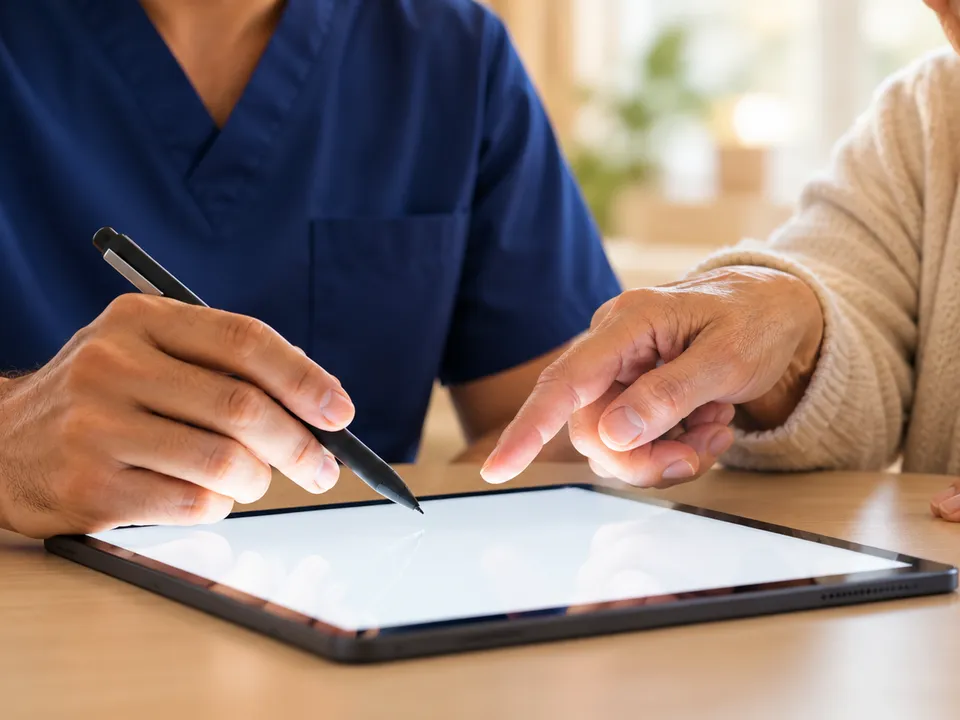
  • A nurse in navy scrubs holds a stylus over a blank tablet while an older woman points at the screen.

    01 · Billing manager

    Getting approval

    Simplify signature requests. Built for the patient’s plan and signed online.

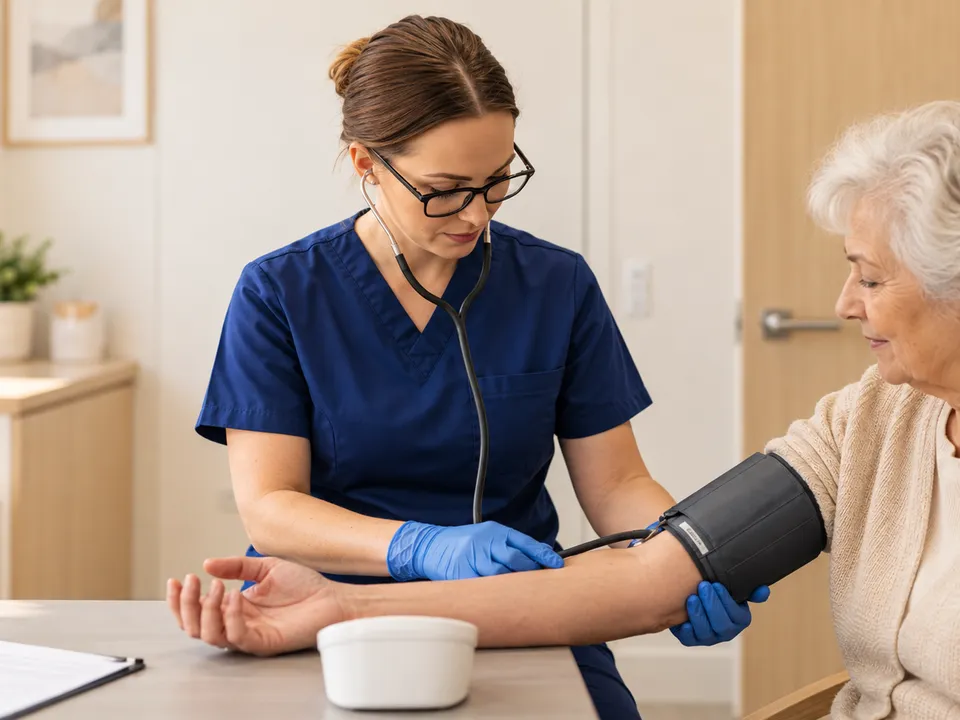
  • A nurse in navy scrubs and blue gloves fits a blood pressure cuff on an older woman’s arm.

    02 · Nurses

    Getting the readings

    Reduce manual reading entry. Each reading goes into the chart by itself.

  • A person in a navy shirt works at a laptop showing a dashboard of charts.

    03 · Director of Nursing

    Deciding who to call

    Find readings that need attention. Sorted normal, abnormal or critical, urgent first.

  • A desk calendar with blue dots marked on several days, beside pens, push pins and a mug.

    04 · Billing manager

    Counting the days

    Reduce month-end counting. Days are counted as the readings arrive.

  • A laptop on a sunlit desk showing a dashboard of charts, next to a coffee cup and glasses.

    05 · Billing manager

    Billing the claim

    Simplify claim preparation. Submit through a clearinghouse and review responses on the claim.

  • A sunlit desk with navy binders, archive boxes and filed folders beside a laptop showing a dashboard.

    06 · Agency owner

    Answering an audit

    Find supporting records faster. Every record is kept with the patient.

Mobile apps

Connect patients and care teams through mobile apps

Two mobile apps on the same record as the platform. Your agency invites the patients and the staff who use them.

Patient app

My readings

This week

  • Today, 8:02 AMIn range128/82
  • Yesterday, 7:55 AMIn range131/84
  • Tue, 8:10 AMAbove range146/92

Blood pressure · this month

Illustrative screens. Sample data.

Patient app

Patients can view their device readings and reading history.

Keep patients and nurses connected

  1. 1

    The device sends the reading

    Cellular, straight into the chart. No app needed.

  2. 2

    The patient sees it

    In their app, the same day.

  3. 3

    Your nurse is alerted

    Readings outside the patient’s range are flagged first.

  4. 4

    Your nurse follows up

    Your nurse records the call or message in the patient record.

  • Cellular devices can send readings without the patient app.
  • Your agency invites the patients and staff who use it.
  • Messages go to your care team. Not for emergencies — call 911.

Connected care and administration

Support patients. Simplify the work around their care.

Give your team connected readings and clear follow-up tasks, with eligibility checks, authorization paperwork and claim submission in the same platform.

  1. 01

    Support care between visits

    Connected device readings, patient-specific thresholds, missed-reading flags and follow-up records help your nurses see who needs attention. Your agency’s nurses review readings and provide care.

  2. 02

    Check Medicaid coverage every month

    RemoteCares automatically checks eligibility for every active Medicaid patient each month, helping your team identify coverage issues for review.

  3. 03

    Generate TMHP forms and request signatures

    RemoteCares automatically generates the TMHP authorization form and sends it to the provider for signature by fax or through the electronic signature portal, reducing manual form completion.

  4. 04

    Submit S9110 claims through a clearinghouse

    Prepare and submit S9110 claims with the applicable modifiers. Follow file and claim responses, review remittance details, and make corrections when needed.

See what happens after submission

999 · File acceptance
Each submitted file is marked accepted or rejected by the clearinghouse. Every claim in a rejected file is flagged with the rejection.
277CA · Claim acceptance
Each claim is marked accepted into adjudication or rejected. The payer’s reason text and claim control number are recorded on the claim, and each response is added to its timeline. Acceptance into adjudication does not mean payment approval.
835 · Remittance details
The full remittance is stored: payment amount, method, date, check or EFT number, payer and payee. Each claim records its paid amount, patient responsibility and payer control number, with paid amounts and adjustment reason codes at the service-line level.
Claim and billing-month status
The remittance updates the claim to Paid, Partially Paid or Denied. Once every claim in a billing month has a final status, the month is marked Billed. Billed means every claim has a final status; it does not mean every claim was paid.

Staff review rejection and denial reasons, correct claims and resend them. When the payer already holds the original, RemoteCares supports sending the corrected claim as a replacement. Remittances are recorded against claims; they do not post to a ledger or accounts receivable, reconcile deposits, create patient bills or apply write-offs.

Designed for Texas MedicaidS9110 workflows.

Support your nurses with connected readings and follow-up records. Monthly eligibility checks, generated TMHP forms and clearinghouse claim submission support the work around patient care.

A Medicare-first platform

  • Counts staff minutes
  • Bills CPT 99453–99458
  • No authorization step

RemoteCares

  • Counts days received and reviewed
  • S9110 setup and monitoring modifiers
  • Automated TMHP forms and provider signatures

Texas Medicaid rules, built in

Authorization, signing and billing follow TMHP’s own process, to support your billing team’s review.

  • Prior authorization for TMHP, Molina and Superior
  • TMHP authorization forms generated automatically
  • Forms sent to providers by fax or the e-sign portal
  • The U-modifier set from the reading days
Reading days are counted as readings arrive, and the matching modifier is identified for claim review.

Explore the platform, feature by feature

Explore tools for patient care, monthly eligibility checks, automated authorization forms, claim submission and reporting.

  • Patients & enrollment

    • RPM Medicaid, RPM, CCM, BHI, RTM, APCM and AWV
    • Demographics and consent capture
    • Medications, allergies, diagnoses and social history
    • Patient documents and configurable consent templates
    • Medicare, Medicaid and commercial payers
    • Family and emergency contacts on file
    • Bulk patient import
    • Patient app: readings, messages, goals and reminders
  • Authorizations & signing

    • Prior authorization for TMHP, Molina and Superior
    • Wizard for diagnoses, risk factors and S9110 setup
    • Automatically generated TMHP forms sent for provider signature by fax or the e-sign portal
    • Provider e-signatures through a secure link
  • Devices & readings

    • Device orders, shipping and tracking
    • Blood glucose strip inventory tracking
    • Per-patient thresholds and TaskBoard triage
    • Missed-reading tracking and device anomaly detection
  • Care plans

    • Templates that turn goals into activities and targets
    • Problem and barrier documentation
    • Care plan PDFs
    • Reassessment reminders
  • Surveys & screeners

    • PHQ-9, GAD-7, CAGE, DAST-10, HRA and Mini-Cog
    • Automatic scoring
    • Adaptive questionnaires based on care plans and previous responses
  • Encounters, time & tasks

    • Encounter logging with billable-minute rollup
    • CCM initiating-visit linking
    • Scheduling
    • TaskBoard task management
    • Care-team app: readings, alerts, chat and follow-up
  • Billing & claims

    • S9110 setup and reading-day modifiers
    • Billable minutes and billing cycles
    • CSV or EDI 837 exports for billing review
    • Held claims show the reason to fix
    • Clearinghouse submission for S9110 and applicable modifiers
    • 999 file responses and 277CA claim response history
    • 835 remittance recording with service-line adjustments and claim status updates
    • Automatic monthly eligibility checks for every active Medicaid patient
  • Reports & analytics

    • Patient, care-team, care-plan and billing dashboards
    • Analysis across RPM, RTM and SMS
    • Patient risk scores for staff review
    • Weekly home health performance reports
  • Interoperability & security

    • FHIR / HL7 integration and C-CDA documents
    • EMR Direct messaging, fax and SMS logs
    • User roles, permissions and provider NPI lookup
    • Access logs on every patient record
    • Role-based access and patient activity audit logs

From demo to your first S9110 claim

Explore the steps from patient enrollment to your first claim, with tools that help your team stay organized.

  1. 1

    A demo based on your agency needs

    Bring your clinical and billing teams. Explore patient readings, follow-up, monthly eligibility checks, generated TMHP forms and claim submission using sample records.

  2. 2

    Enroll and authorize

    Patients are added, authorizations are generated for their plan, and providers sign by secure link.

  3. 3

    Your first billing month

    Review reading days and modifiers, submit S9110 claims through a clearinghouse, and track responses and remittance details.

    24 reading days→S9110-U8

Setup timing depends on authorization turnaround, provider signatures, device delivery and your agency’s readiness. We will discuss a realistic schedule during the demo.

Already running on RemoteCares

Explore a sample agency workflow

See a sample workflow based on your patient volume, payer mix, and team needs. No identifiable patient information is needed.

If S9110 is not a fit for your caseload, we will say so on the call.